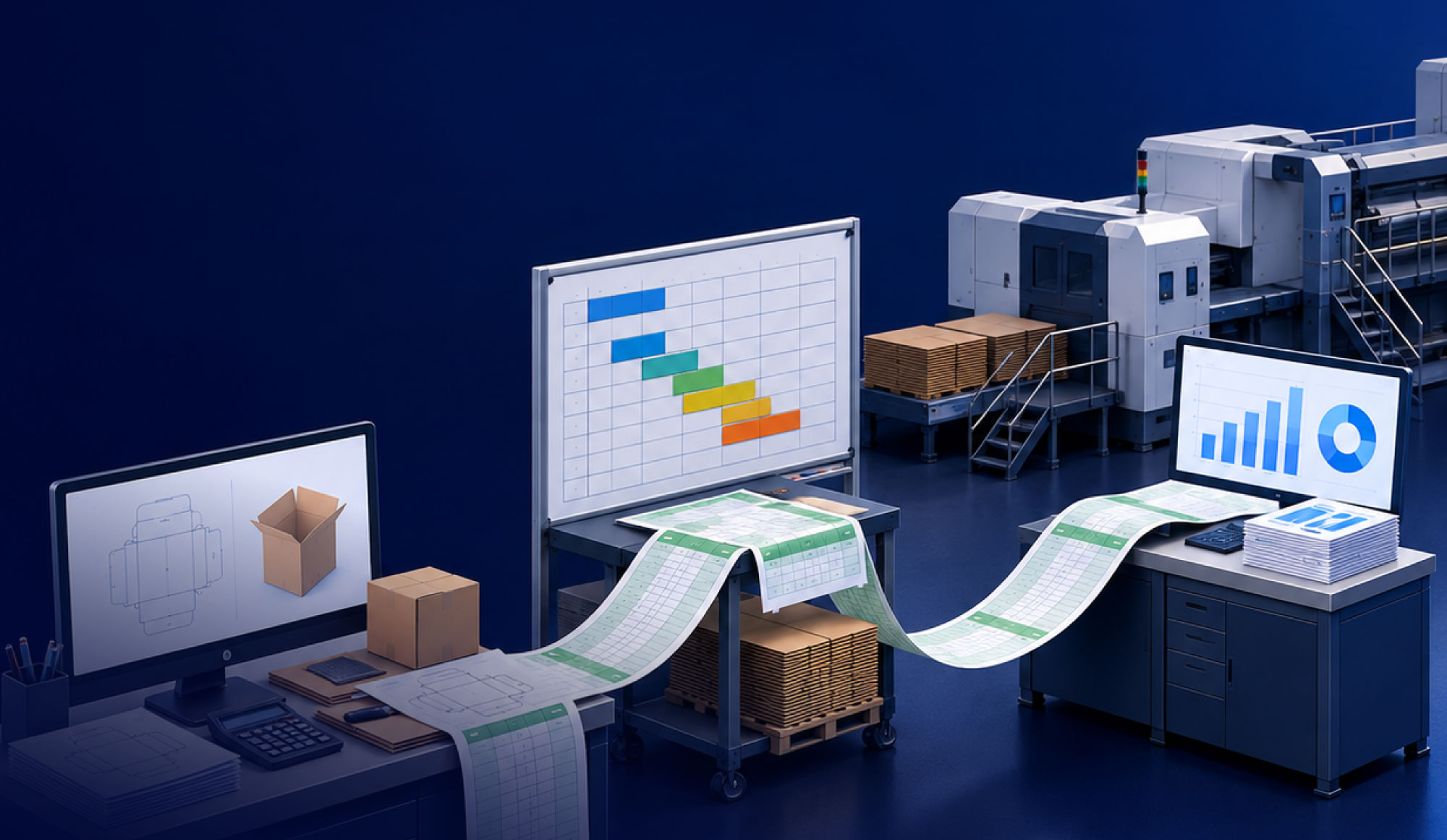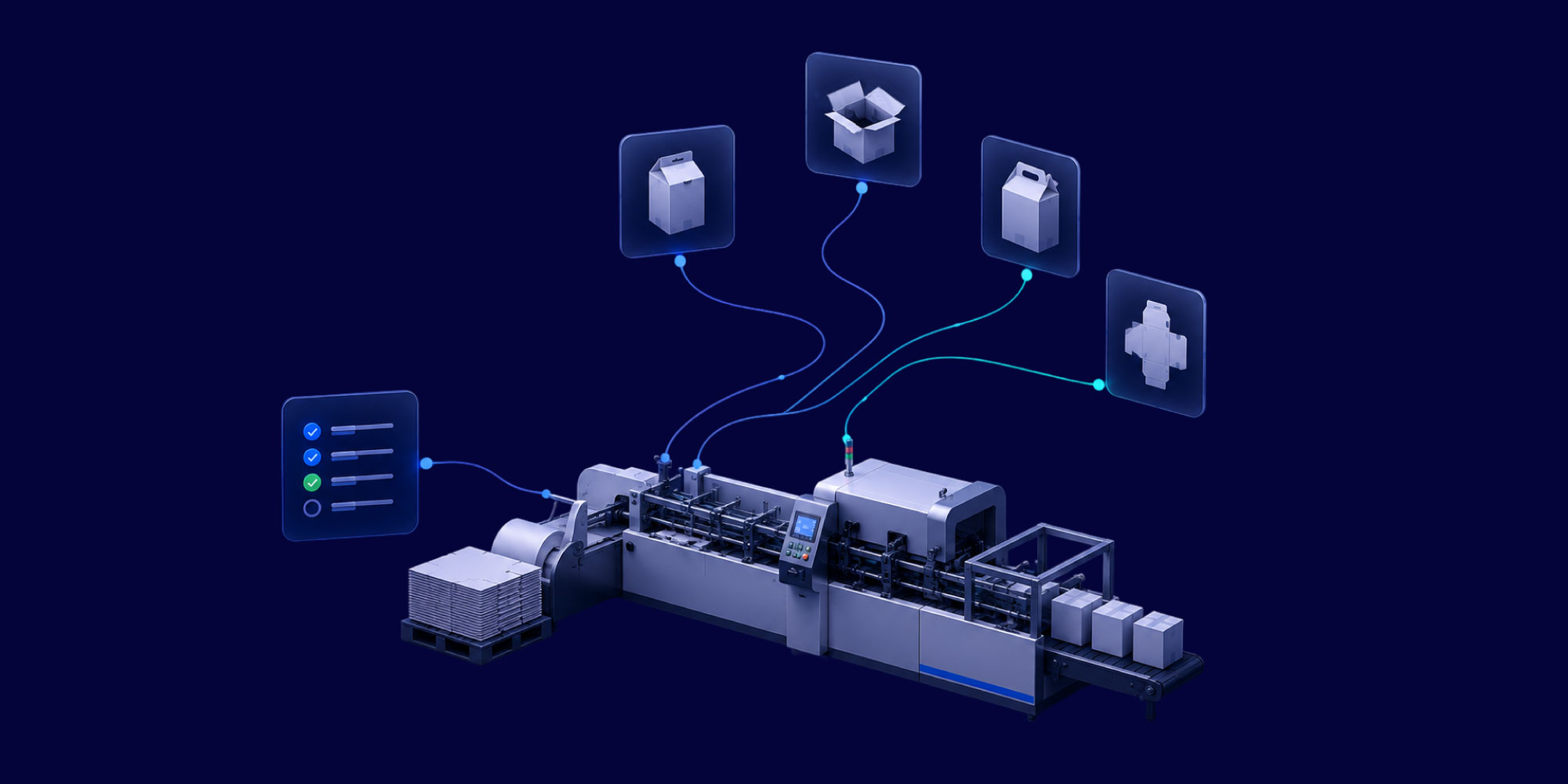
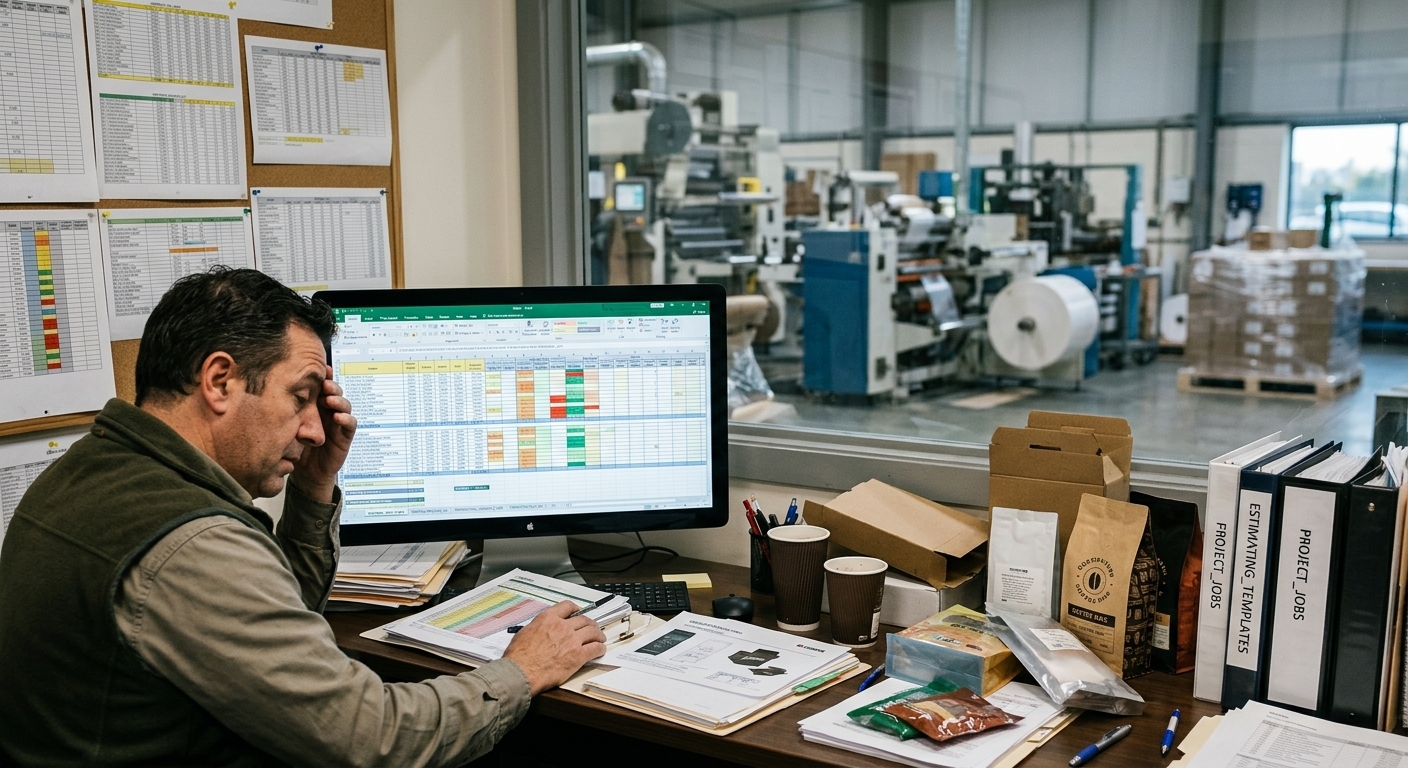
Every manufacturing business uses spreadsheets for something. In the packaging industry, Excel often does more work than it should. It may set job cost, run time, and waste. Most companies would leave those choices to an ERP system. So it is fair to ask why packaging leans on spreadsheets so much.The simple answer is that packaging work has a lot of change. That makes spreadsheets useful, but it also makes them risky.
An industry built for exceptions, not standard runs
Most ERP systems were built around a fairly stable idea of a job. Packaging rarely fits that model. A converter may run corrugated, flexible film, and folding carton on different lines. Each one has different substrate behavior, ink, tooling, and waste. Two rolls of film that look the same can still give different output. Gauge changes matter. So does how the roll runs through a press. Die-cut tolerances change when a job moves to another board caliper. Heavy graphic runs use more ink and material than a simple one-color job. A basic costing module often misses that unless someone adds the rule by hand.
Add short runs, frequent changeovers, and customer specs that change from order to order, and you get a level of variation that a basic costing or scheduling module often cannot handle cleanly. So the spreadsheet fills the gap. An estimator builds a cost model for one substrate. A planner keeps a separate file for changeovers the ERP system does not model well. A quality lead tracks waste by job because the built-in report was made for a simpler plant. None of these choices is bad on its own. Each one solves a real problem. The risk starts when a dozen files do the job at once, built by different people at different times, with no shared view.
This is not unique to packaging, but the data suggests packaging and related manufacturing sit near the high end of the range. A recent Capterra buyer insights report on manufacturing software found that 23 percent of buyers still tracked production in spreadsheets, and another 25 percent used manual, paper-based methods. The same research found that 58 percent of manufacturers still run on non-specialized software. That points to a structural gap, not poor management.
Where it actually costs the business
The cost of spreadsheet dependence rarely shows up as one big failure. It shows up as daily friction.
A few patterns tend to recur:
- Job costing can change based on who built the file and which assumptions they used
- Scheduling can miss what is happening on nearby lines because the plan lives in a file, not a shared system
- Waste and yield numbers may be reconciled at month end instead of tracked in real time
- Reports can take hours because they are built by hand from several sources
One planning-software vendor, using its own customer base and not an outside audit, said planners may spend 40 to 60 percent of their week on spreadsheet upkeep instead of planning. That includes data entry, formula fixes, version control, and file chasing. Even with that caveat, it matches what many people see across the industry. At a recent supply chain planning conference, one attendee said colleagues could explain how complex their Excel system had become, and also admit how badly it served them.
The deeper cost is hidden. Key knowledge sits with specific people. If one estimator's file holds the costing logic, that logic leaves when they leave. If one planner's file is the only place changeovers are modeled well, production depends on that person's presence and care.
The line between workaround and risk
Not every spreadsheet is a problem. The key question is whether the file fills a small gap or has become core to a business process. A simple test is to ask what happens if the file is gone for a week. A real workaround causes trouble, but people can route around it. A spreadsheet that has become infrastructure can cause a hold, a bad cost, a missed delivery, or no way to make a key decision. That is where the risk hides.
That is the pattern to watch across packaging manufacturing. Excel dependence rarely starts as one bad choice. It grows one workaround at a time until the business relies on a tool that was never meant to carry that much weight. Finding the files that crossed that line turns a vague sense that things are manual into a list you can fix. That list is where the real decision starts. Each file exists because the business needed something else. So the fix is not just better file names or stricter rules. It is giving each process a proper home. The packaging companies making the most progress are not telling staff to be more careful with Excel. They are replacing the work the spreadsheet did, one process at a time, with a system that can hold it.
How Mature Are Your Packaging Operations?
Many packaging manufacturers still rely on spreadsheets, manual processes, and disconnected systems to manage estimating, scheduling, production, and reporting. But how does your operation compare to industry peers?